Callback management: every promised call-back made on time
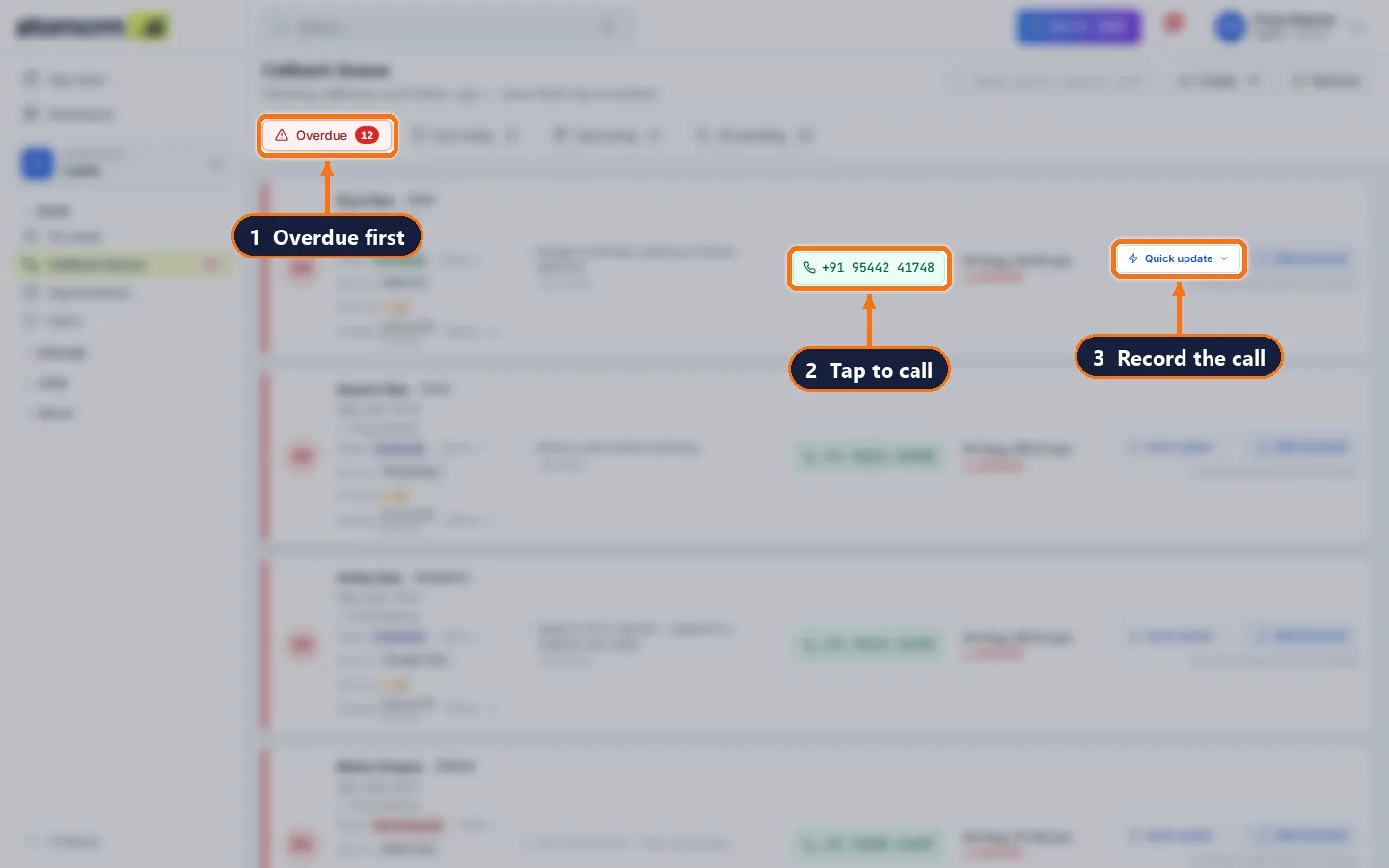
atomcrm.ai manages callbacks for sales and telecalling teams. Every lead carries its next callback date; stages can require one; a queue shows overdue and due-today callbacks first; a comment on the call closes it; reminders fire 15 minutes before; and managers see who is missing follow-ups.
Where enquiries are lost today
“Call me next week” is forgotten
Promises made on the phone live in memory or a notebook.
Nobody knows what is overdue
Without a queue, overdue follow-ups are invisible until the customer buys elsewhere.
Rescheduling creates duplicates
Several callbacks for the same person, and nobody knows which is real.
How atomcrm.ai works, step by step
- 1
Book the next call
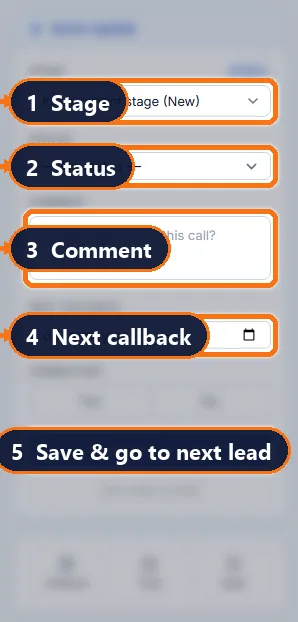
In Quick Update, set the next callback; some stages make it mandatory.
- 2
Get reminded
A reminder arrives 15 minutes before the callback is due.
- 3
Work the queue
Overdue first, due today next, oldest at the top.
- 4
Close by commenting
A comment about the call completes the callback; a new date replaces the old one.
Everything the team needs, in one CRM
One callback per person
A new date replaces the pending one — no duplicates.
Mandatory callbacks
Stages like "Interested" can require a date before saving.
Automatic completion
A comment on the day closes the callback as connected.
Callback reports
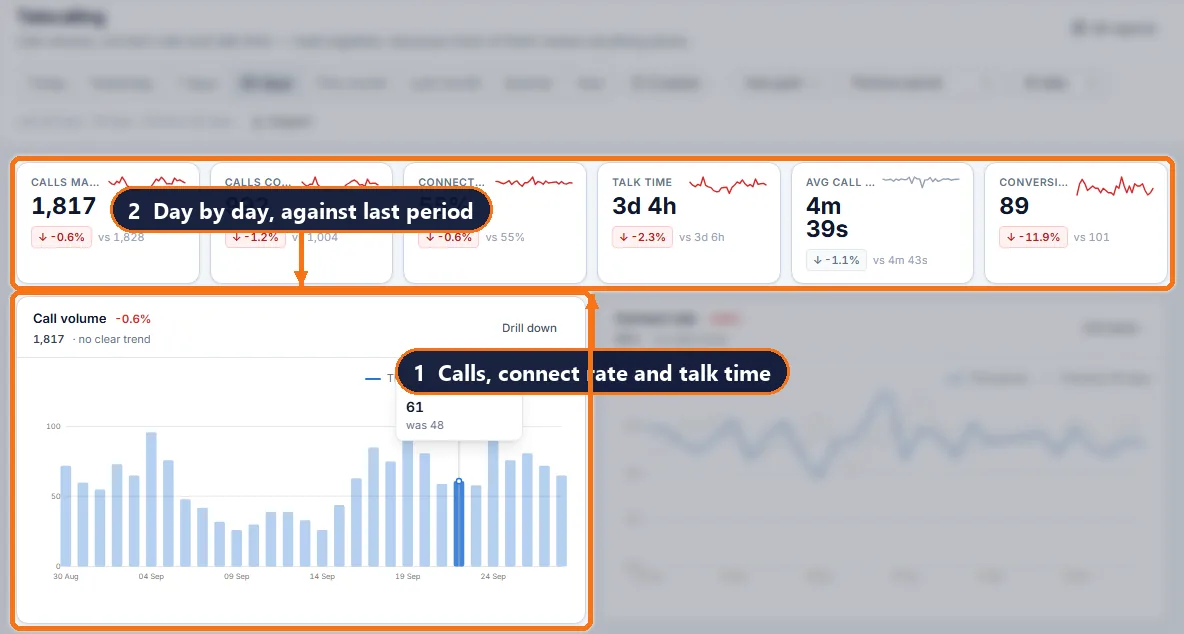
Done, missed and overdue per person over any date range.
Manager view
Managers see the whole team’s queue and overdue count.
Appointments too
Stages that need a visit book an appointment instead.
What your team actually works with
Questions people ask
How do I stop missing follow-up calls?
Give every lead a dated next callback, make it mandatory for stages that need one, and work a queue that shows overdue callbacks first. atomcrm.ai does all three.
What counts as a completed callback?
A comment written on the lead on the day the callback is due completes it; you can also mark it done directly.
Can managers see missed callbacks?
Yes, in the queue for their team, on the dashboard and in the callbacks report.
Are there reminders?
Yes, 15 minutes before each callback is due.
Get your team off spreadsheets this week
Import your leads, add your users, set your routing rules. Most teams are live the same day.